How to translate subtitles without turning the workflow into a mess
A practical subtitle translation workflow from upload to download, with notes on what to clean, what to review, and what to leave alone.
Workflow
Translate the subtitle first, then branch only when the file needs more work.
The fastest subtitle workflow is usually not the most complicated one. Start with the translation pass, review the result, and only then decide if the file needs cleanup, timing shifts, bilingual output, or format conversion.
Key takeaways
Start with the job that matters most
People often overbuild subtitle workflows before the first translated line even appears. They open a converter, then a cleaner, then an editor, and only later reach the one job they were actually trying to finish: getting the subtitle into another language.
That is backwards for most real subtitle work.
If the file is already readable as a subtitle file, start with the translation pass. The goal is to understand whether the translation itself is acceptable before you spend time on optional cleanup and polish.
Translation workflow
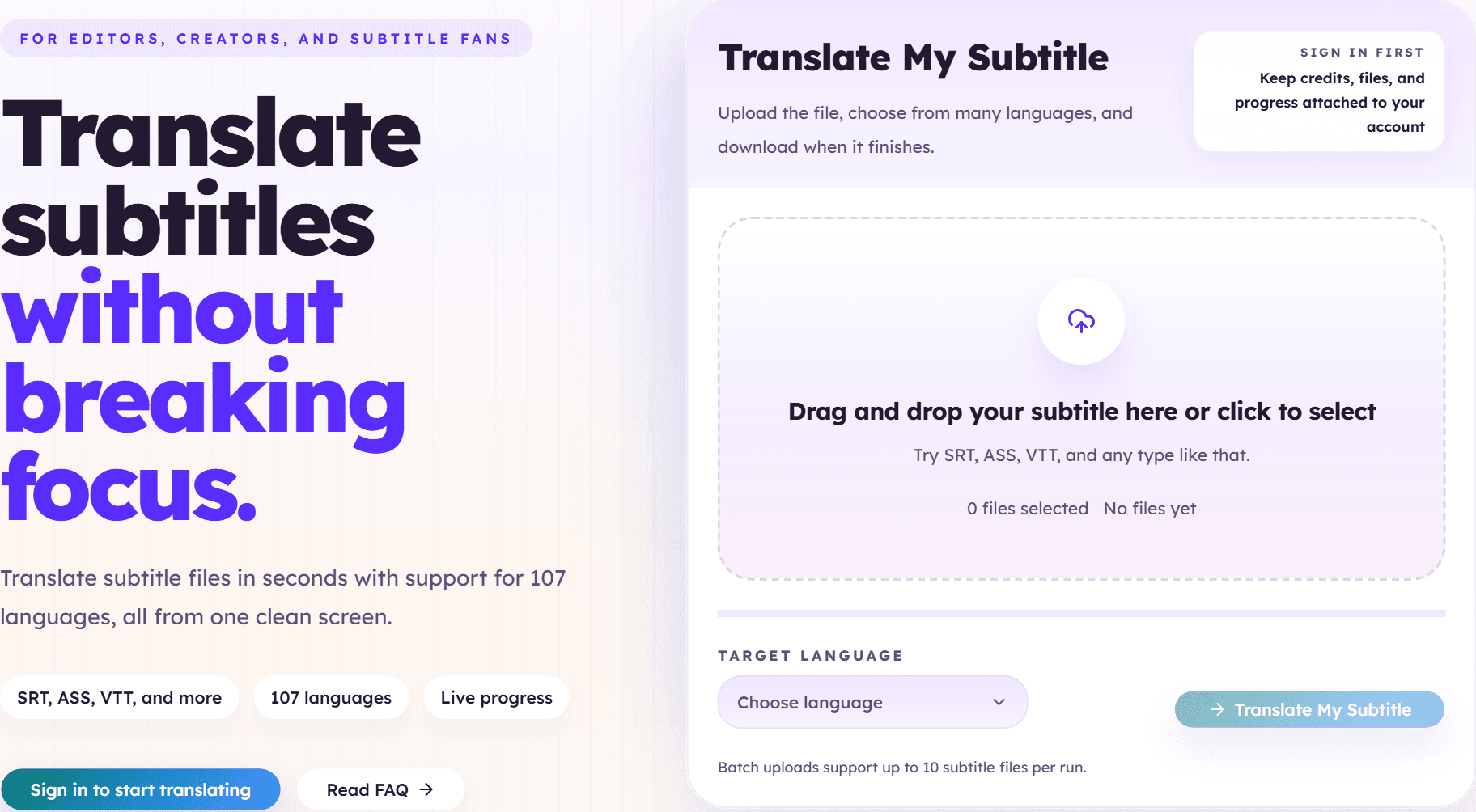
What to check before you upload
You do not need a heavy checklist, but you should still confirm a few practical things:
- the subtitle file is the correct episode or film
- the timing is roughly correct in the original
- the text is readable enough to translate
- the file is not an empty export or the wrong language
If those basics are fine, run the translation first.
Review phrasing before anything else
Once the translated file is ready, read a few sections as subtitles, not as plain text.
That means checking:
- whether the lines feel short enough to read on screen
- whether names and repeated terms stay consistent
- whether long sentences need another pass later
If the translation already reads well enough, you may be done right there. That is the win most people forget to allow for.
When to open another tool
After the translation pass, the next tool should be chosen because the file clearly needs it:
- Open the bilingual tool if you want source and target together.
- Open the cleaner if the file contains SDH noise, speaker labels, or messy OCR leftovers.
- Open the timing shifter if the whole file is out of sync.
- Open the converter if the destination player or editor needs another subtitle format.
That order keeps the workflow readable.
Next step
Start with the core translator first.
If the subtitle file is already usable, translate it first and decide on the second tool only after the first result is in front of you.
Open subtitle translator