Bilingual OutputApr 8, 20262 min read
How to make bilingual subtitles that stay readable on screen
A practical guide to creating bilingual subtitles without making the subtitle track too noisy to follow.
Bilingual output
A practical guide to creating bilingual subtitles without making the subtitle track too noisy to follow.
Bilingual output
Bilingual subtitles are useful for learning, review, and shared screenings. They only work well when the line order, spacing, and reading rhythm stay under control.
Key takeaways
The cleanest bilingual workflow starts with a normal translated subtitle file. Once you know the target text is acceptable, then you combine the source line and target line into one subtitle output.
This order matters because bilingual output is already denser than a single-language subtitle track. If the translation is still unstable, the final result will be harder to read and harder to review.
Bilingual subtitle editor
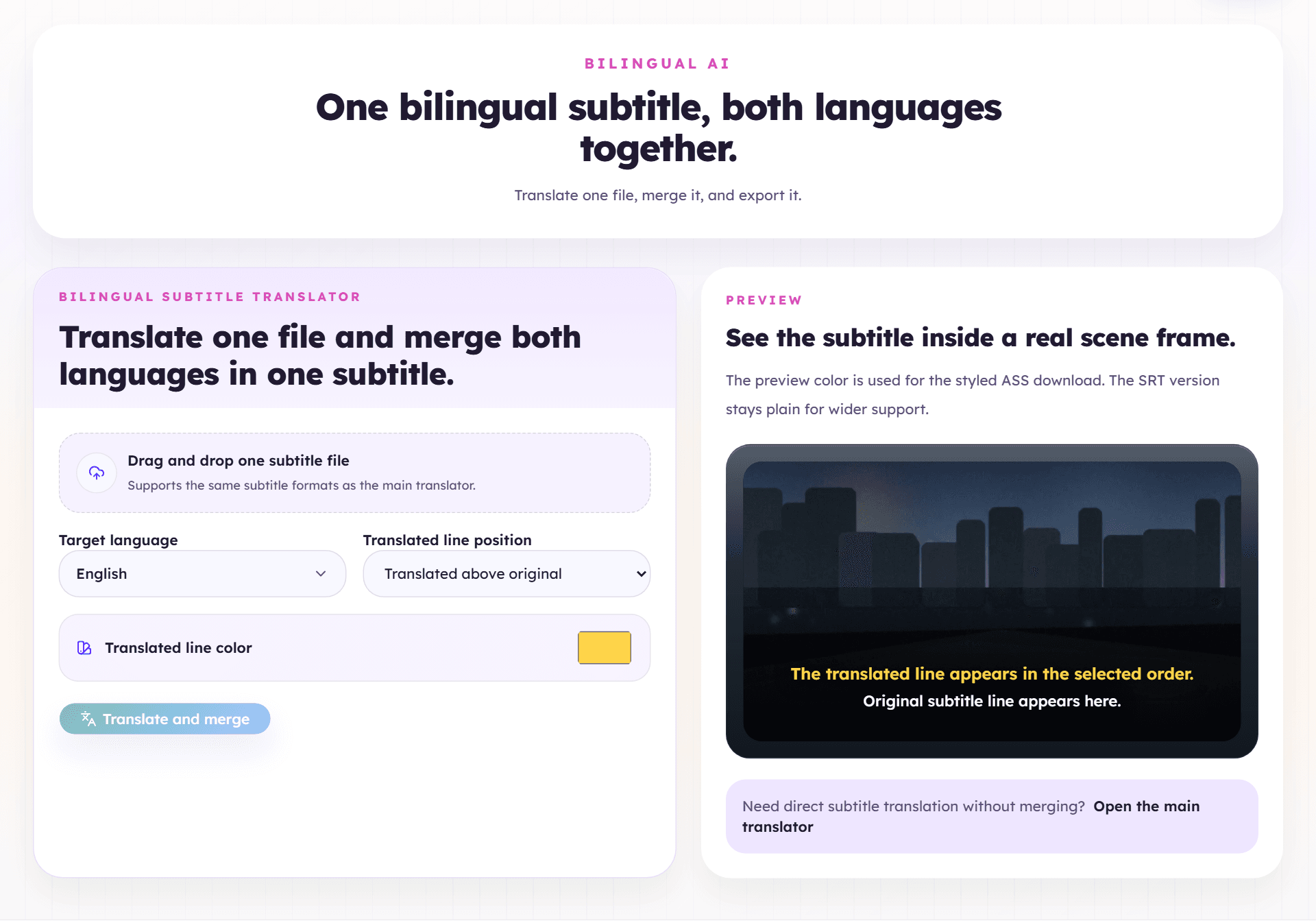
Bilingual subtitles are useful in a few specific cases:
They are less useful when the audience only needs one final subtitle language. In that case, the extra line just adds weight.
You need to choose which language goes first and stay consistent.
Most teams choose one of these:
The right choice depends on the audience. Learners often prefer the original first. Mixed screening audiences may prefer the dominant audience language first.
If you are exporting styled ASS, color can help separate the two languages. But it should stay functional:
Once color becomes decorative instead of structural, the subtitle gets harder to scan.
Next step
Translate the subtitle first, then open the bilingual tool to control line order and produce the dual-language file you actually want to watch or review.
Open bilingual subtitle translator