CleanupApr 8, 20262 min read
How to clean subtitle formatting before translation or final delivery
A practical guide to removing SDH noise, speaker labels, and clutter that make subtitle files harder to read or translate.
Cleanup
A practical guide to removing SDH noise, speaker labels, and clutter that make subtitle files harder to read or translate.
Cleanup
A good subtitle cleaner removes the parts that distract from reading or translation, without flattening useful context that should stay in the file.
Key takeaways
Subtitle clutter often comes from:
Not all of this needs to survive every workflow. If the goal is a readable translated subtitle, noisy metadata often makes the result worse.
Subtitle cleaner
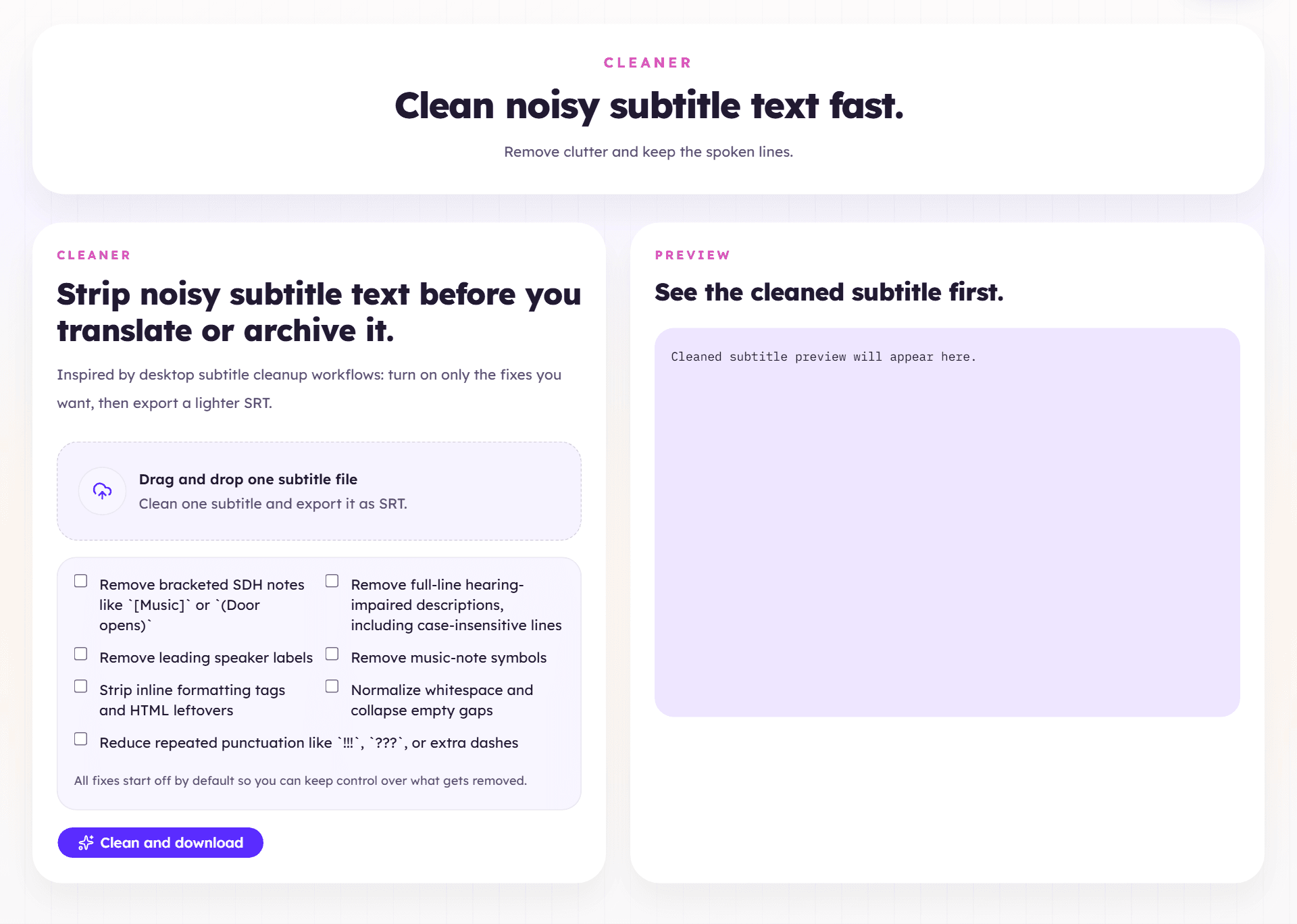
If the source subtitle contains speaker labels and SDH notes in nearly every cue, translating first will usually spread that clutter into the target language.
That creates more review work later. In those cases, run the cleaner first.
Some information still matters:
You want to remove noise, not flatten every signal in the file.
Before you process a whole batch, inspect a short scene:
That quick check tells you whether the cleaning pass is helping or overreaching.
Next step
When SDH markers, labels, or OCR clutter are dominating the file, clean first, then translate or export from a better base.
Open subtitle cleaner