How to fix subtitle timing when the whole file is out of sync
A practical timing-shift guide for subtitle files that are consistently early or late from the start.
Timing
A global timing shift is the right fix only when the whole subtitle is drifting by the same amount.
If every line is early or every line is late by roughly the same distance, a timing shifter is the fastest fix. If the drift changes over time, you have a different problem.
Key takeaways
Confirm the problem first
Before moving the whole subtitle file, test three moments:
- near the start
- somewhere in the middle
- near the end
If the subtitle is late by the same amount in all three places, the whole file probably needs a global shift.
If the amount changes over time, the subtitle was likely made for another cut of the video or another frame-rate situation. A simple global shift will not fully solve it.
Timing shifter
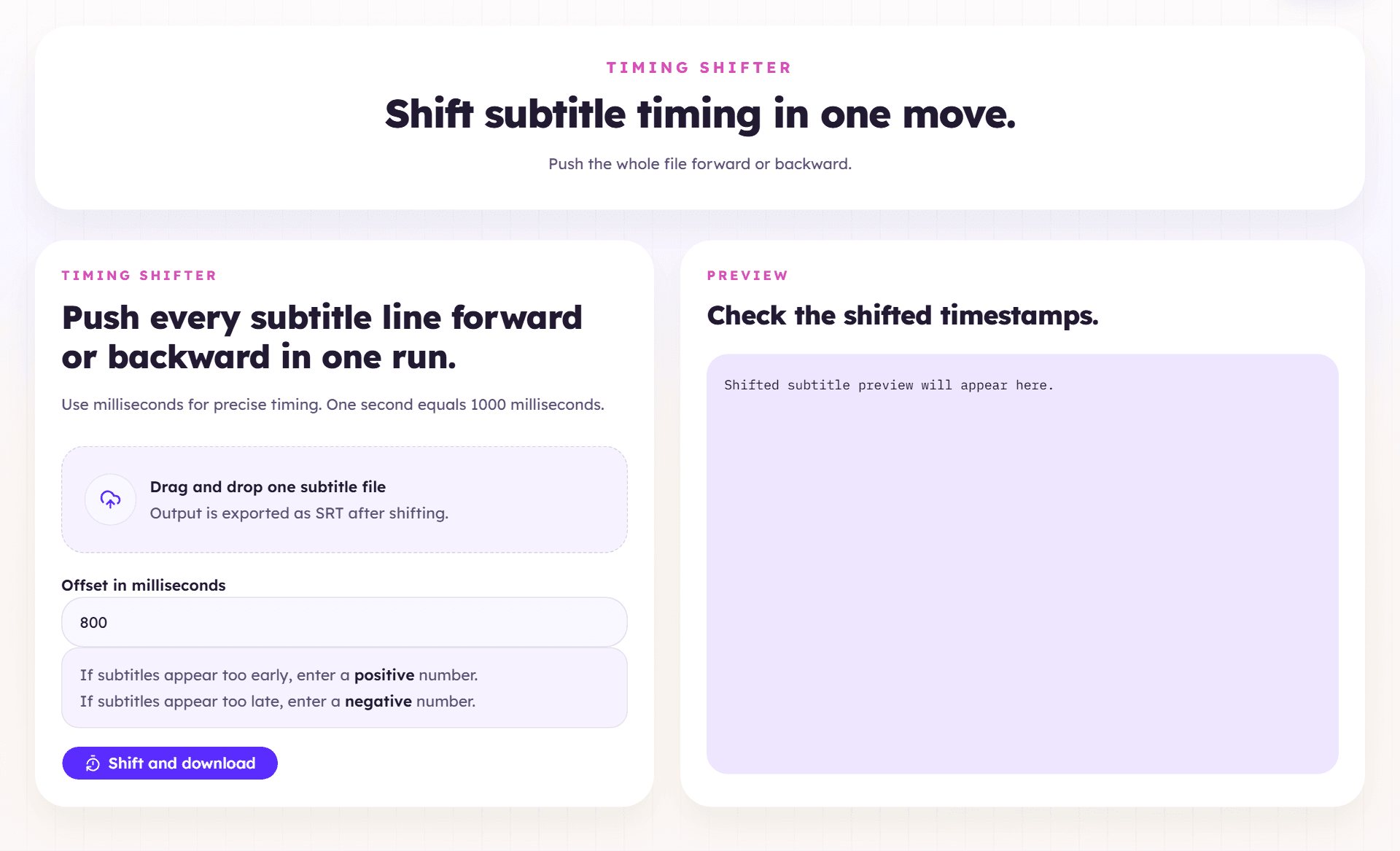
Move the subtitle in milliseconds
Once you know the problem is global, adjust in milliseconds. That gives you enough precision without turning the fix into guesswork.
Small subtitle offsets add up quickly on screen, so it is better to make a clear measured change, then recheck, than to drag the file back and forth blindly.
Keep translation and timing separate
A common mistake is trying to repair wording problems and timing problems in one pass. Those are different jobs:
- translation affects the text
- timing affects when the text appears
Fix timing with the timing tool. Fix wording with the translation or review workflow.
Re-test before export
After shifting:
- check one fast dialogue section
- check one quiet section
- check the final scene again
If the file still feels consistently off, make one more measured shift. If it feels different at different points, stop and treat it as an inconsistent source file instead.
Next step
Shift the subtitle only when the offset is consistent.
If the whole file is early or late by a stable amount, a timing shift is the fastest way back to a usable subtitle.
Open subtitle timing shifter